Private conversation
Draft, summarise, translate, compare, and reason through work in a familiar chat interface.
Example · Draft a client letter from these notes
Using selbsai is deliberately familiar. Connect the preconfigured local AI server to power and your approved network, switch it on, then open selbsai.local in a browser. Existing computers stay ordinary clients while the server performs the AI work.
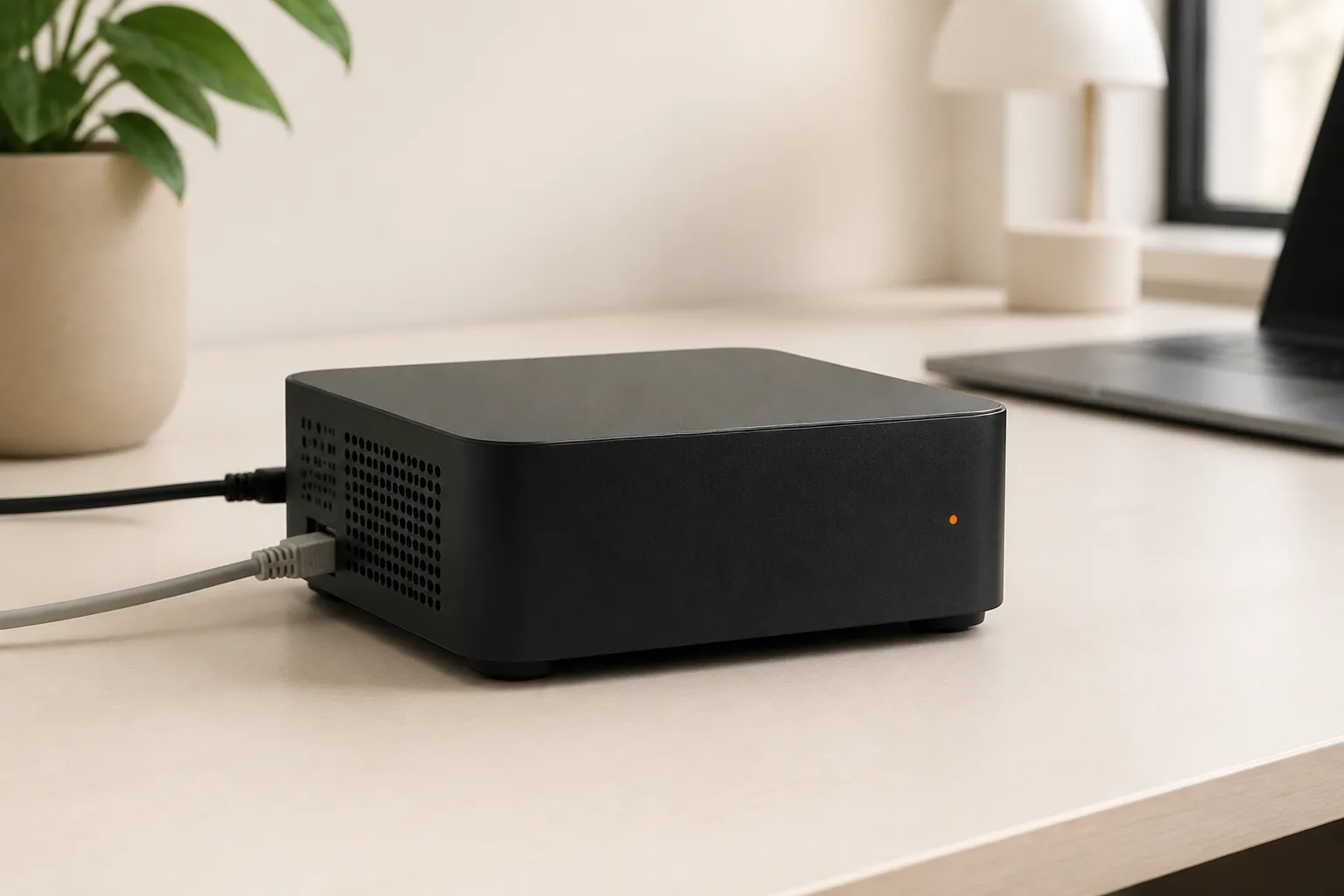
SelbsAI Server is a dedicated x86-64 server appliance in a compact mini-PC form factor. It arrives with memory, internal storage, Linux, the selected model runtime, a private browser workspace and a documented recovery path already prepared.
Open selbsai.local from approved office devices.
Connect approved IDEs and agents to the local endpoint.
There are four actions: connect power, connect Ethernet, switch on the appliance, and open the local workspace.
Attach the included power supply and connect Ethernet to the approved local network.
Press the appliance power button and wait for the ready status shown on the quick-start card.
Open the address in Chrome, Safari, Edge, or Firefox from an approved computer on the same network.
Choose a workspace, type your request, or add a document. The selected local model handles the task.
The included setup card lists the local address, status check, shutdown, and recovery procedure. No changes to client computers are required.
Open a browser, choose what you want to do, and write naturally. There is no terminal, command syntax, or model dashboard in the normal workflow.
Draft, summarise, translate, compare, and reason through work in a familiar chat interface.
Work with approved PDF, Word, spreadsheet, and text files without sending the core task to a model cloud.
Open the same interface from a laptop or tablet on the approved local network while the SelbsAI Server performs inference.
The server can remain on in the office. Open your saved selbsai.local bookmark from an approved computer and continue with the local workspaces and conversations stored on it.
The browser sends work across your local network to the SelbsAI Server. Its own memory and compute run the model and return the answer locally.
Checkout, optional updates, support, and optional preload use clearly defined online services. Core local inference does not require a model-cloud account.
Core and Pro open at the same local address and use the same browser workflow. The difference is included memory, storage, and the model and concurrency headroom inside the appliance.
Private drafting, document Q&A, transcription, research, and focused office workflows.
Larger document collections, coding, multi-workflow setups, and high-memory local inference.
Private drafting, document Q&A, transcription, research, and focused office workflows.
Larger document collections, coding, multi-workflow setups, and high-memory local inference.
The appliance handles setup and inference. Everything your team uses day to day stays in a familiar browser.